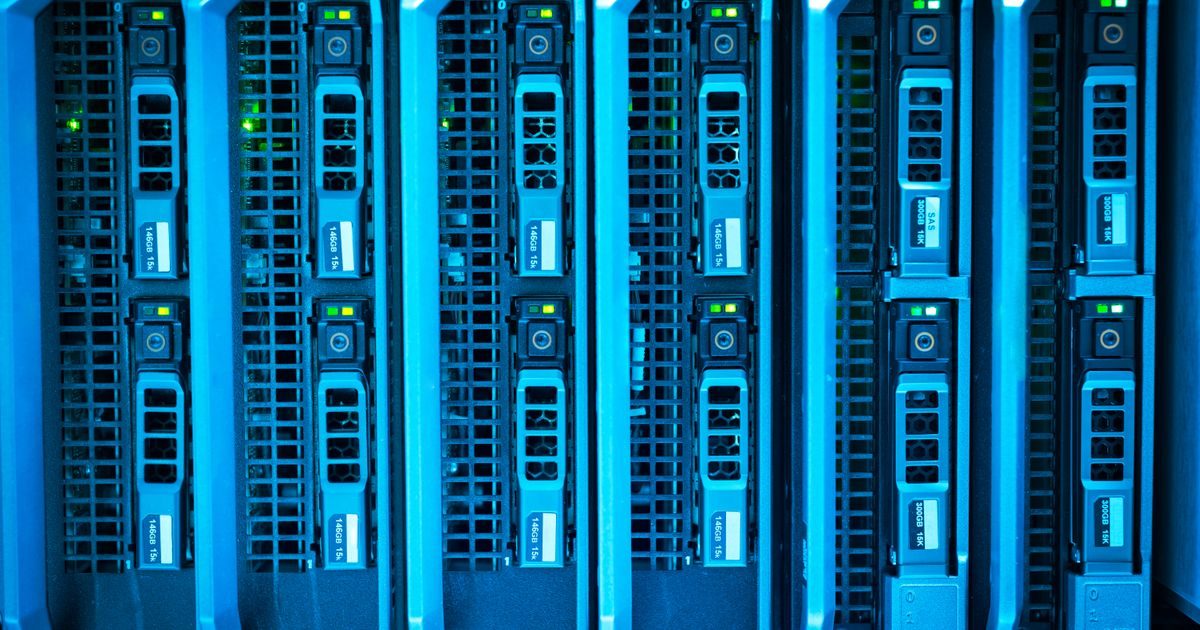
The cloud in computing is a network of remote servers accessed over the internet that store data, run applications, and process information without requiring local hardware. Instead of saving files on your own computer or running locally installed software, everything happens on infrastructure managed by third parties and reachable from any internet-connected device.
This guide explains how cloud computing works, its different types, the benefits it offers, and why it has become the backbone of modern digital infrastructure.
How the Cloud Works: The Idea Behind Remote Servers
When you use Google Drive, Netflix, or even email, you are using the cloud. The files, video, or messages do not live on your phone or laptop — they reside in enormous data centers distributed around the world.
The process works like this:
- Your device sends a request over the internet.
- A remote server handles that request (stores the file, streams the video, delivers the email).
- The result appears on your screen within milliseconds.
These data centers feature redundant power, industrial cooling, high-capacity fiber connections, and physical and digital security teams. You consume the resource; the provider manages everything else.
Types of Cloud: Public, Private, and Hybrid
There is no single cloud model. The right choice depends on the level of control, cost, and compliance your project requires.
Public Cloud
Infrastructure is owned by a provider (AWS, Google Cloud, Microsoft Azure) and shared among thousands of customers. It is the most cost-effective and scalable option, ideal for startups, websites, and applications with variable traffic.
Private Cloud
Resources are dedicated to a single organization, either on its own premises or hosted by an external provider. It offers greater control and regulatory compliance. Banks, hospitals, and governments are typical users.
Hybrid Cloud
Combines public and private infrastructure. Sensitive workloads stay on the private cloud; demand spikes are handled by the public cloud. Medium and large enterprises prefer this architecture for flexibility without sacrificing security.
Multi-Cloud
Using two or more public cloud providers simultaneously. This reduces dependency on a single vendor and allows teams to choose the best service for each task.
Service Models: IaaS, PaaS, and SaaS
Beyond the type of cloud, what you consume also varies by service model.
| Model | What You Receive | You Manage | Example |
|---|---|---|---|
| IaaS (Infrastructure as a Service) | Virtualized servers, storage, and networking | OS, applications, data | Amazon EC2, Linode |
| PaaS (Platform as a Service) | A ready-to-use development environment | Only your code and data | Heroku, Google App Engine |
| SaaS (Software as a Service) | A complete application ready to use | Only configuration and usage | Gmail, Slack, Dropbox |
Most end users interact with SaaS without realizing it. Developers and IT teams work with IaaS and PaaS to build and deploy their own products.
Advantages of Cloud Computing Over Traditional Infrastructure
The massive shift toward the cloud is not accidental. It delivers concrete benefits that on-premises infrastructure cannot easily match:
- Instant scalability: increase or reduce resources in minutes based on demand, without buying hardware.
- Pay-as-you-go: you only pay for what you consume, eliminating upfront capital investment.
- High availability: providers guarantee 99.9 % or better uptime through geographic redundancy.
- Access from anywhere: any internet-connected device can reach your data and applications.
- Automatic updates: the provider keeps hardware and base software current.
- Managed security: encryption, backups, and access controls are included in most plans.
For businesses seeking a competitive digital presence, cloud services are frequently the first step. Specialized agencies like elenlace.com help design and migrate web infrastructure toward optimized cloud architectures.
Everyday Cloud Use Cases in 2025
The cloud is no longer territory reserved for large corporations. Today it is present in use cases of every size:
- Video and audio streaming: Netflix, Spotify, and YouTube serve content from global distribution clouds.
- Email and collaboration: Gmail, Outlook, and Google Workspace run entirely in the cloud.
- E-commerce: online stores scale automatically during peak seasons (Black Friday, Cyber Monday).
- Artificial intelligence: language models and computer vision require massive computing power that only the cloud can supply on demand.
- Backups and disaster recovery: automatic copies on remote servers ensure data survives local hardware failures.
- Software development and deployment: modern CI/CD pipelines live entirely in the cloud.
Explore more about digital infrastructure and hosting in our cloud article section, where you will find practical guides on services and providers.
Challenges and Considerations Before Migrating to the Cloud
Adopting the cloud has clear advantages, but it also involves decisions worth anticipating:
- Latency and connectivity: if your internet is slow or unstable, the cloud can feel sluggish. Choose server regions close to your users.
- Variable costs: the pay-as-you-go model can become expensive if resources are not actively monitored.
- Regulatory compliance: sensitive data (health, finance) must meet local regulations on data residency.
- Vendor lock-in: migrating from one provider to another can be complex and costly; use open standards whenever possible.
- Shared responsibility: the provider secures the infrastructure; you secure your data and applications. Understanding the shared responsibility model is essential.
Key Takeaways
- The cloud in computing is remote infrastructure accessible over the internet, managed by specialized providers.
- There are four deployment models — public, private, hybrid, and multi-cloud — each suited to different use cases.
- The three service models — IaaS, PaaS, SaaS — define how much control and responsibility you take on as a customer.
- The main advantages are scalability, pay-as-you-go pricing, availability, and global access.
- Before migrating, evaluate latency, costs, regulatory compliance, and the risk of vendor lock-in.
- The cloud is already the foundation of most modern digital experiences: streaming, AI, e-commerce, and collaboration.
Ready to take your project or business to the cloud? The team at elenlace.com can guide you in choosing the right architecture, from basic cloud hosting to complex enterprise migrations.
FAQ
Is the cloud the same as the internet?
Not exactly. The internet is the communications network that connects devices worldwide. The cloud is a set of servers and services that use the internet to be accessible, but they are distinct entities. The cloud would not exist without the internet, but the internet existed before cloud computing became widespread.
Is it safe to store my data in the cloud?
Major cloud providers (AWS, Google, Azure) invest billions in security and comply with international certifications (ISO 27001, SOC 2). In general, your data is safer in the cloud than on a local hard drive with no backup. The key is using strong passwords, two-factor authentication, and understanding which permissions you grant to each application.
How much does the cloud cost?
It depends on the model. SaaS can be free (basic Gmail) or subscription-based (from a few dollars to thousands per month for enterprise plans). IaaS and PaaS charge for resources consumed: compute by the hour, storage per GB, and data transfer. A small website on cloud hosting can cost between $5 and $30 USD per month.
Do I need technical skills to use the cloud?
For SaaS services (Google Drive, Dropbox, email), none at all. IaaS and PaaS do require systems administration or development knowledge. Companies without that in-house profile typically hire agencies or consultants to manage cloud infrastructure on their behalf.
Useful resources
Other providers and guides worth comparing:


