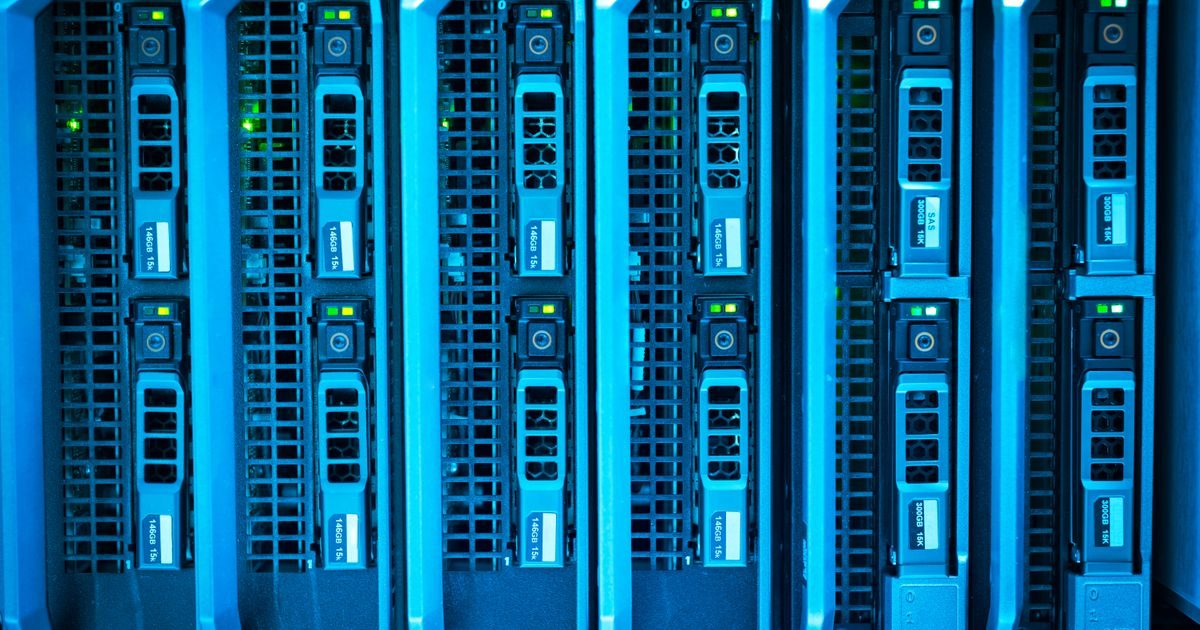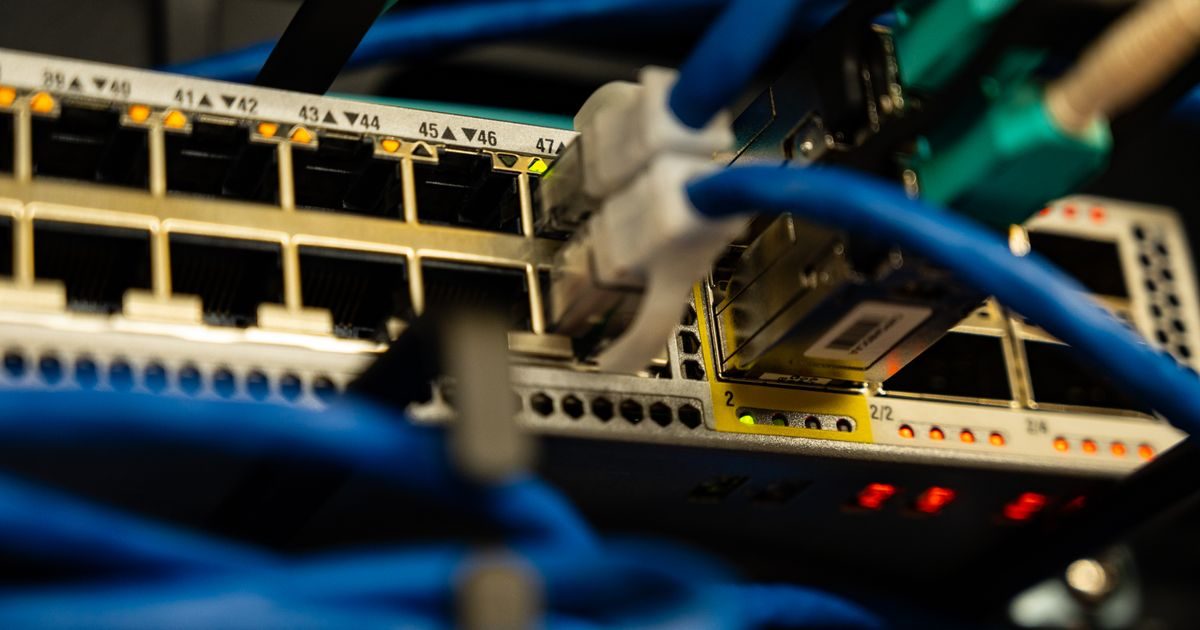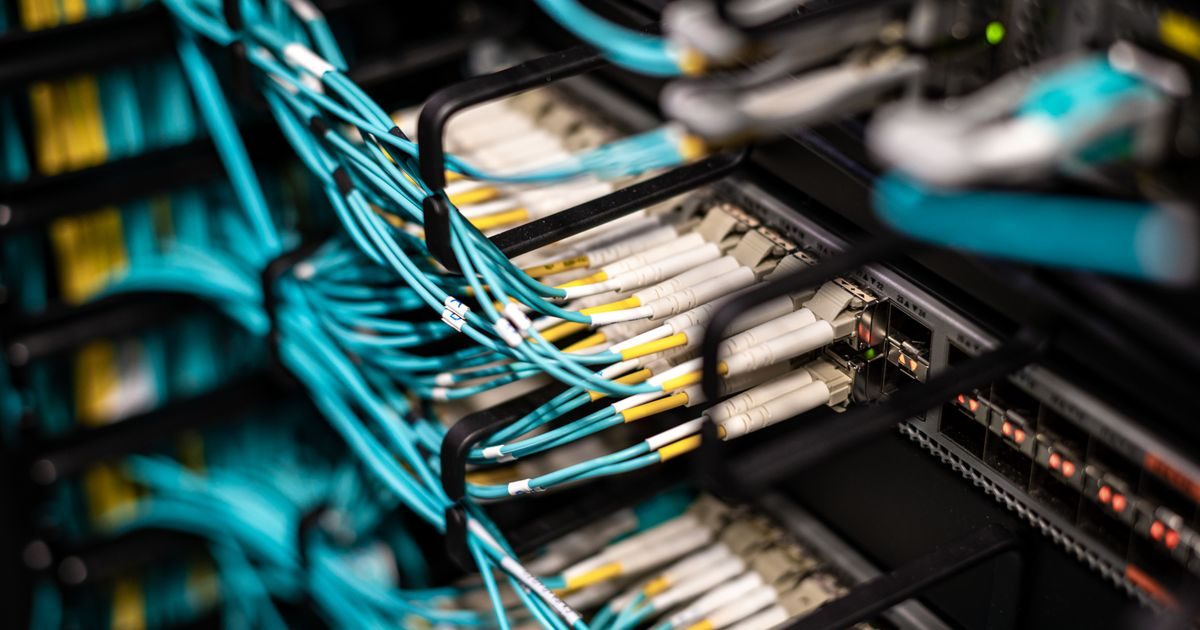
A data center is a specialized physical facility that houses the servers where websites, applications, and business data live. When you buy a hosting plan, your website literally lives inside a data center.
What is a data center and how does it work?
Picture a building — or several floors of one — packed with server racks, fiber-optic cables, and industrial cooling equipment. That's a data center in a nutshell. Its job is to ensure the servers it houses are:
- On 24/7 with uninterrupted power (UPS systems and diesel generators as backup).
- Cool — servers generate constant heat; industrial climate control prevents overheating.
- Connected to the internet via high-speed fiber and multiple transit providers (network redundancy).
- Physically secure — restricted access with biometric controls, cameras, and on-site security staff.
Without a quality data center, no "99.9% uptime" promise can be kept.
Key components of a data center
Redundant power supply
A professional data center has multiple power sources: the main electrical grid, large-scale UPS (battery) systems, and diesel generators that kick in automatically during outages. The goal is zero downtime due to power loss.
Cooling
Servers dissipate heat constantly. A full rack can generate as much heat as several home space heaters. Data centers use precision air conditioning, hot/cold aisle containment, and — in advanced facilities — liquid cooling to maintain optimal temperatures (~64–80°F / 18–27°C).
Network connectivity
Fiber optic cables leaving the data center connect to multiple telecom carriers (transit ISPs). If one route fails, traffic reroutes through another. This is what keeps your website online even when something breaks in the global network.
Physical and logical security
Physical access is controlled with keycards, biometrics, and cameras. Logically, data centers run perimeter firewalls, intrusion detection systems (IDS), and network-level DDoS mitigation.
Data center tiers: how quality is rated
The Uptime Institute classifies data centers into four Tiers based on redundancy and guaranteed availability:
| Tier | Annual availability | Max downtime/year | Redundancy |
|---|---|---|---|
| Tier I | 99.671% | ~28.8 hours | None |
| Tier II | 99.741% | ~22 hours | Partial redundancy |
| Tier III | 99.982% | ~1.6 hours | N+1 components; maintenance without downtime |
| Tier IV | 99.995% | ~26 minutes | Fully redundant; fault-tolerant |
Most serious hosting providers operate in Tier III or Tier IV facilities. Tier I or II may be acceptable for internal projects with no critical availability requirements — but not for e-commerce or any app where downtime costs money.
Why data center location matters for your hosting
The speed of light has a limit. Every kilometer a data packet travels adds milliseconds of latency. If your audience is in Latin America and your server is in Germany, that distance shows up in load times.
Criteria for choosing data center location:
- Proximity to your audience — a data center in Mexico, Miami, or Dallas is faster for Latin American visitors than one in Europe or Asia.
- Local regulations — some industries (healthcare, finance, government) must store data within national borders.
- Regional connectivity — Miami and Dallas are major fiber hubs for Latin America, with excellent connectivity to Mexico and Central America.
When a VPS or dedicated hosting provider lets you choose your server region, that's not just marketing — it's a technical decision that directly affects your users' experience.
Own data center vs. third-party data center
Large companies (Google, Amazon, Meta) run their own data centers. For everyone else, there are two main options:
- Colocation (colo) — the business buys its own servers and physically houses them in a third-party data center, paying for space, power, and connectivity.
- Cloud or dedicated hosting — the hosting provider (AWS, DigitalOcean, Hetzner, your local provider) owns both the servers and the data center; you simply buy capacity.
For the vast majority of web projects — from blogs to online stores and SaaS apps — the second option is the right one. You don't need to manage physical hardware; you need a reliable provider that handles it for you. If you'd like expert guidance on picking the right infrastructure, the team at elenlace.com can point you in the right direction.
Key takeaways
- A data center is the physical facility where servers live — without a quality one, uptime and performance guarantees are impossible to keep.
- Its pillars are: redundant power, precision cooling, multi-carrier network connectivity, and physical security.
- Tiers (I–IV) measure guaranteed availability; Tier III and IV are the standard for professional hosting.
- Data center location directly affects latency and page load speed for your users.
- For web projects, cloud or dedicated hosting eliminates the need to manage your own hardware.
Now that you understand what a data center is and how it shapes your website's performance, the next step is choosing a provider that operates in the right infrastructure. Contact us at elenlace.com and we'll help you find the ideal hosting solution for your project.
FAQ
What's the difference between a data center and a server?
A server is a computer (or software emulating one) that processes and serves data. A data center is the building and infrastructure that houses hundreds or thousands of those servers, providing power, cooling, and connectivity. The server is the tenant; the data center is the building.
Are data centers safe from natural disasters?
Professional data centers are built with seismic risk, flooding, and storms in mind. They include fire suppression systems, surge protection, and — in earthquake-prone zones — reinforced structures. Serious providers also replicate data across multiple geographically separate data centers to ensure disaster recovery.
Can I visit the data center where my hosting lives?
It depends on the provider and service type. With colocation, clients usually have controlled access to their own hardware. With shared hosting or VPS, typically no — the provider manages physical access. Some enterprise-tier providers offer virtual tours or allow audits under specific agreements.
What does "99.9% uptime" mean, and how does it relate to the data center?
A 99.9% uptime guarantee means a maximum of ~8.7 hours of downtime per year. Meeting that guarantee depends directly on data center quality: if the facility has a single point of failure in power, network, or cooling, any incident can shatter that number. A Tier III or IV data center makes 99.9% achievable; a Tier I facility makes it nearly impossible to sustain.
Further reading
Other providers and guides worth comparing: