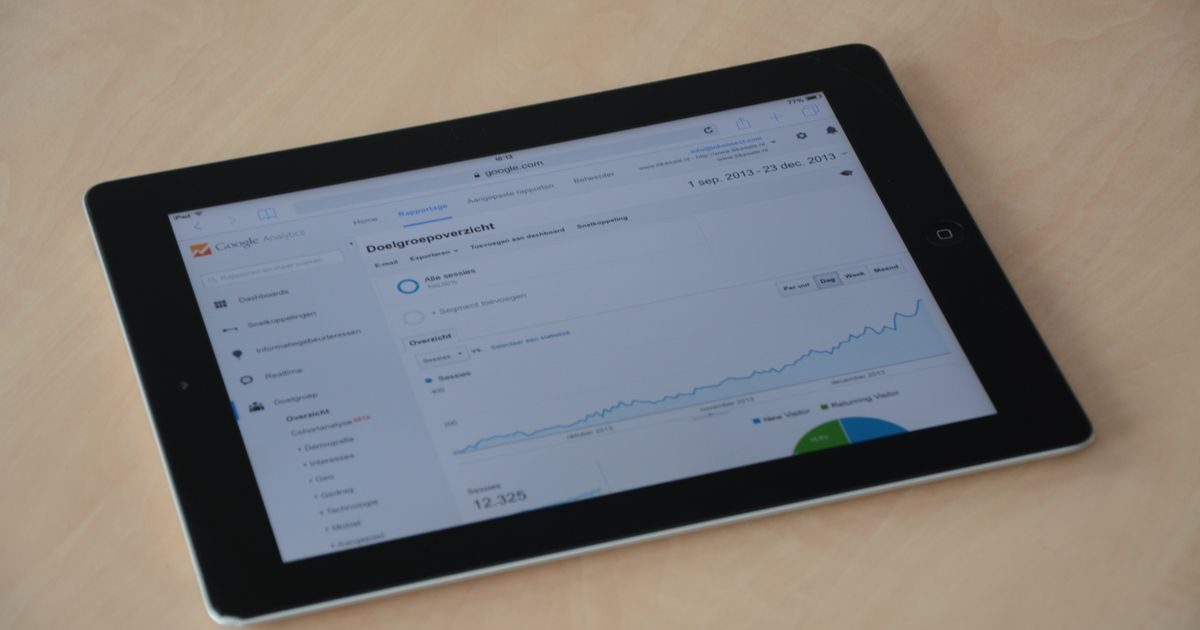
Web cache types are mechanisms that temporarily store HTTP responses so that repeated requests don't need to generate content from scratch. The result: faster-loading pages and servers that do far less work.
There are three main layers — browser, server, and proxy — and each operates at a different point along the journey between the user and your origin server. Understanding them lets you configure them together and take full advantage of their combined effect.
1. Browser Cache
Browser cache lives on the user's device. When someone visits your site for the first time, the browser downloads images, stylesheets, and scripts. On the next visit, instead of requesting them from the server again, it loads them from local disk — nearly zero latency.
The behavior is controlled through HTTP headers sent by the server:
Cache-Control: max-age=31536000— the resource is valid for one year (ideal for versioned assets likestyle.v3.css).Cache-Control: no-cache— the browser stores the resource but revalidates it with the server before using it.Cache-Control: no-store— the browser stores nothing. Useful for pages with sensitive or real-time data.ETag— a digital fingerprint of the file; the browser sends it on subsequent visits and the server responds with 304 Not Modified if the file hasn't changed, saving bandwidth.
When browser cache works best
It's ideal for static assets that rarely change: logos, fonts, JS libraries, product images. For dynamic content (shopping carts, real-time prices) use no-store or very short TTLs.
2. Server Cache
Server cache acts before your application generates a response. Instead of running PHP, querying the database, and rendering HTML on every request, the server returns a pre-generated copy stored in memory or on disk.
There are several sub-types depending on where the cache resides:
Full-Page Cache
Stores the complete HTML for each URL. The first visit generates the page; subsequent visits receive the cached copy directly, without touching PHP or MySQL. Plugins like WP Rocket or LiteSpeed Cache implement this in WordPress.
Object Cache
Stores the results of database queries or expensive operations in RAM (typically Redis or Memcached). The application keeps running, but instead of hitting MySQL for the same data repeatedly, it reads from memory.
OPcache
PHP compiles source code into bytecode the first time it loads a file. OPcache stores that bytecode in RAM and reuses it, eliminating the compilation overhead on every request. It's enabled by default in PHP 7+ but worth verifying in your setup.
| Sub-type | What it stores | Common technology | TTFB impact |
|---|---|---|---|
| Full-Page | Complete HTML | WP Rocket, LiteSpeed, Varnish | Very high |
| Object Cache | DB / API results | Redis, Memcached | High |
| OPcache | PHP bytecode | PHP OPcache (built-in) | Medium |
3. Proxy Cache
A proxy cache sits between users and the origin server. It can be a shared proxy on the visitor's corporate network (an ISP cache, for example) or — more commonly in the modern web — a reverse proxy under your control.
Reverse Proxy Cache
Tools like Varnish Cache or Nginx configured as a reverse proxy sit in front of your web server. They receive incoming requests, respond with cached copies when available, and only forward to the origin what actually needs to be processed.
This is the layer used by many managed WordPress hosts (Kinsta, WP Engine) to deliver response times under 50 ms.
CDN as a Distributed Proxy Cache
A CDN is essentially a network of reverse proxies distributed around the world. Each PoP stores copies of your static resources and delivers them without touching your origin. For a deeper look at how CDNs work, explore our web performance category.
How the Three Types Work Together
In a well-configured site, all three layers work in parallel for different scenarios:
- Returning visitor: the browser serves static assets from local cache — 0 requests to the server.
- New visitor, static resource: the CDN or reverse proxy responds from its cache — the origin never knows.
- Dynamic page, logged-in user: the reverse proxy doesn't cache (personalized response); Redis object cache prevents repeated MySQL queries; OPcache accelerates PHP execution.
The key is to configure each layer for what it does well and prevent it from caching what it shouldn't: cart pages, payment responses, admin routes.
If you need help setting up these layers correctly on your site, the specialists at elenlace.com can audit it and apply the optimal configuration for your stack.
Key Takeaways
- The three main web cache types are: browser cache (user's device), server cache (full-page, object cache, OPcache), and proxy cache (reverse proxy, CDN).
- Browser cache is controlled via HTTP headers (
Cache-Control,ETag) and is ideal for long-lived static assets. - Server cache reduces database load and HTML generation time; Redis and OPcache are its main technologies.
- Proxy cache (reverse proxy or CDN) intercepts requests before they reach the origin and has the greatest impact on global TTFB.
- All three layers complement each other — a fast site uses all of them and configures each correctly for its type of content.
Want to implement a complete caching strategy for your site? Reach out to elenlace.com and we'll help you configure all three layers so your site loads in under a second.
FAQ
What's the difference between browser cache and server cache?
Browser cache lives on the user's device and prevents repeated downloads of previously visited files. Server cache lives in the site's infrastructure and prevents the application from regenerating responses from scratch. They operate at different points in the HTTP journey and complement each other perfectly.
Can caching show outdated content to users?
Yes, if time-to-live (TTL) values aren't set correctly. To avoid this: use cache busting for static assets (include a hash or version number in the filename), configure short TTLs for dynamic pages, and on the reverse proxy, purge the cache whenever you publish new content.
Do I need Redis if I already have a WordPress caching plugin?
It depends on your traffic. A full-page cache plugin (WP Rocket, LiteSpeed) already eliminates most PHP/MySQL load for public pages. Redis adds value when you have many personalized pages (logged-in users, carts) or when the site makes many database queries on non-cacheable pages.
Is Varnish still relevant or has Nginx replaced it?
Both remain valid for different use cases. Varnish is highly optimized for full-page caching with very flexible VCL logic. Nginx as a reverse proxy with fastcgi_cache or proxy_cache is simpler to maintain and already installed in many stacks. On shared hosting or cPanel environments, caching usually comes via LiteSpeed/LSCache.
Further reading
Other providers and guides worth comparing: