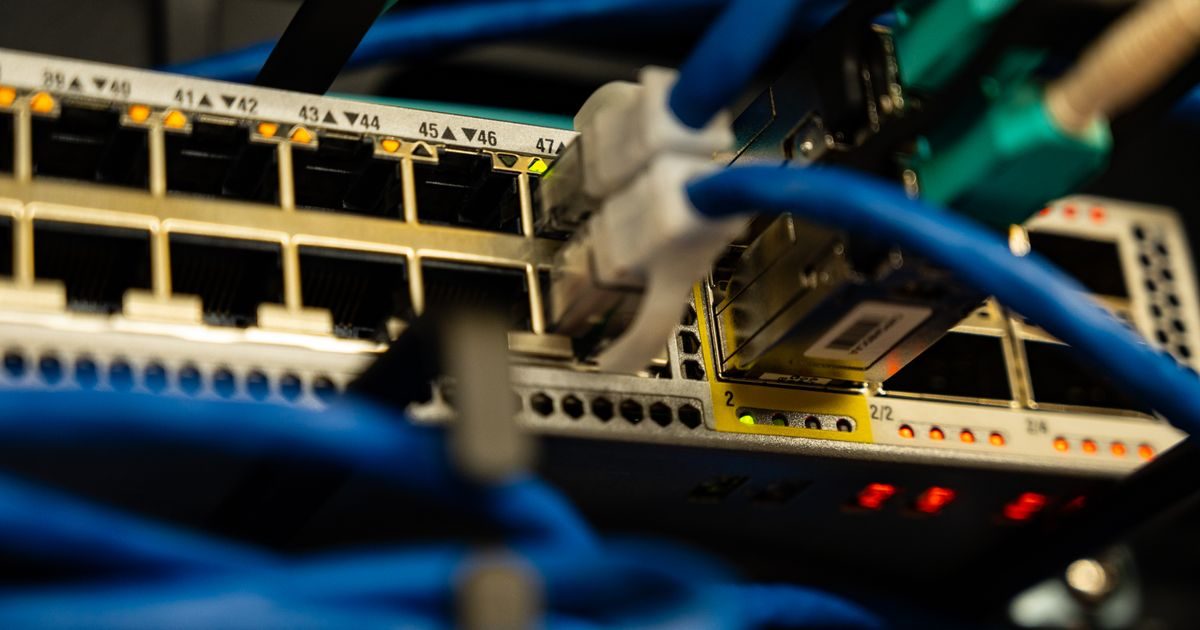
The fundamental difference between a VPS and a dedicated server comes down to hardware ownership: a VPS shares a physical machine with other virtual tenants, while a dedicated server hands you the entire machine exclusively. That single distinction drives every other difference in price, performance, and control.
If you're weighing where to host your next project and aren't sure which path to take, this guide compares both solutions side by side — resources, performance, cost, management, and real-world use cases.
What Is a VPS and How Does It Work?
A VPS (Virtual Private Server) is a virtual partition inside a physical server. The provider uses a hypervisor — software like KVM or VMware — to divide the hardware's resources (CPU, RAM, storage) among multiple instances. Each instance runs in isolation with its own operating system, its own processes, and its own IP address.
Key VPS characteristics:
- Allocated resources are guaranteed (with a quality provider): 2 vCPU and 4 GB of RAM belong only to you.
- Lower price because the underlying hardware is shared across customers.
- Full root access: install what you need, configure the firewall, choose your Linux distro.
- Scalable: add RAM or CPU in minutes without switching providers.
What Is a Dedicated Server?
A dedicated server is an entire physical machine rented exclusively for you. No shared hypervisor, no other customers on the same hardware.
Dedicated server characteristics:
- 100% exclusive resources: all CPU cores, all RAM, all disk I/O are yours.
- Greater performance predictability: no "noisy neighbor" effect from a shared environment.
- Absolute hardware control: you can request specific CPU models, RAID configurations, and network cards.
- Higher price and slower provisioning cycles (hours or days vs. seconds for a VPS).
Direct Comparison: VPS vs Dedicated Server
The table below summarizes the most important differences to help you make an informed decision:
| Criterion | VPS | Dedicated Server |
|---|---|---|
| Hardware | Shared (virtualized) | Exclusive (physical) |
| Typical monthly price | $10 – $80 USD | $150 – $800+ USD |
| Performance | High (with a good provider) | Very high and consistent |
| Scalability | Fast and easy | Slow; requires migration |
| Root access | Yes | Yes |
| Provisioning time | Minutes | Hours or days |
| Management | Self-managed or managed | Self-managed or managed |
| Ideal use case | SaaS, agencies, mid-size e-commerce | Intensive workloads, large databases, gaming |
Performance Differences in Practice
The main complaint about shared hosting — the "noisy neighbor" — can also appear on low-quality VPS plans. However, reputable providers guarantee allocated resources through per-container CPU capping and I/O limits. In practice, a well-configured 8 vCPU / 16 GB RAM VPS comfortably handles the needs of 90% of websites.
A dedicated server truly shines when:
- You need maximum disk I/O speed without sharing the SATA/NVMe bus.
- You run workloads with licenses tied to physical sockets (Oracle, SQL Server).
- Your application requires access to specialized hardware (GPUs, FPGAs, HSM modules).
- Compliance regulations require certified hardware isolation.
For most digital agencies, online stores, and mid-size SaaS platforms, a VPS is more than sufficient — and far more cost-effective.
When to Choose Each Option
Choose a VPS if…
- You host 1–5 sites with moderate to high traffic.
- Your monthly budget is under $100 USD.
- You value the ability to scale resources in minutes.
- You're launching a new project and can't predict demand yet.
Choose a dedicated server if…
- You have very high, sustained traffic that exceeds available VPS plans.
- You run large databases with many concurrent writes.
- You operate online games or low-latency applications that need every ounce of hardware.
- Your compliance framework (PCI-DSS, HIPAA) requires physical isolation.
You can explore more hosting options by browsing our full guide on VPS and dedicated servers.
Management and Technical Support
Both VPS and dedicated servers can be contracted as unmanaged (you handle everything: OS, patches, firewall, backups) or managed (the provider or an agency handles operations).
The cost difference between unmanaged and managed can be significant — an extra $25–$150 USD per month — but for teams without a dedicated sysadmin, managed hosting pays for itself in saved hours alone.
If you'd like expert advice on choosing the right infrastructure, the team at elenlace.com can help you size and configure your server from the ground up.
Key Takeaways
- A VPS virtualizes resources from a shared physical server; a dedicated server gives you the entire machine.
- A VPS costs 5–10 times less than an equivalent dedicated server.
- A dedicated server delivers uninterrupted CPU and disk I/O performance with no tenant interference.
- For 90% of web projects, a well-specified VPS is the smarter choice.
- Choose dedicated only when traffic volume, compliance, or specialized hardware justifies the extra cost.
Ready to pick the right server? Reach out to elenlace.com and we'll help you size the ideal solution without overpaying.
FAQ
Is a VPS as secure as a dedicated server?
In terms of logical isolation, yes. Each VPS has its own OS and cannot access other tenants' processes. The real security difference usually comes down to management: a poorly configured server — VPS or dedicated — is equally vulnerable.
Can I migrate from a VPS to a dedicated server later?
Yes. Most providers offer migration assistance. Since both are Linux environments with root access, the process involves backing up data, replicating your configuration on the new server, and updating your DNS records.
Is a cloud VPS the same as a traditional VPS?
Conceptually yes: both are virtualized instances. The difference lies in the underlying infrastructure. A cloud VPS runs on a distributed cluster with high availability, while a traditional VPS lives on a single physical machine. Cloud is generally more resilient and scales faster.
How much RAM do I need on a VPS to run a mid-size e-commerce store?
A WooCommerce or Magento store with moderate traffic (up to 10,000 visits/month) runs well on 4–8 GB of RAM and 2–4 vCPU. If you add caching layers (Redis, Varnish), resource consumption drops significantly and you can start with less.
Compare providers
Other providers and guides worth comparing: