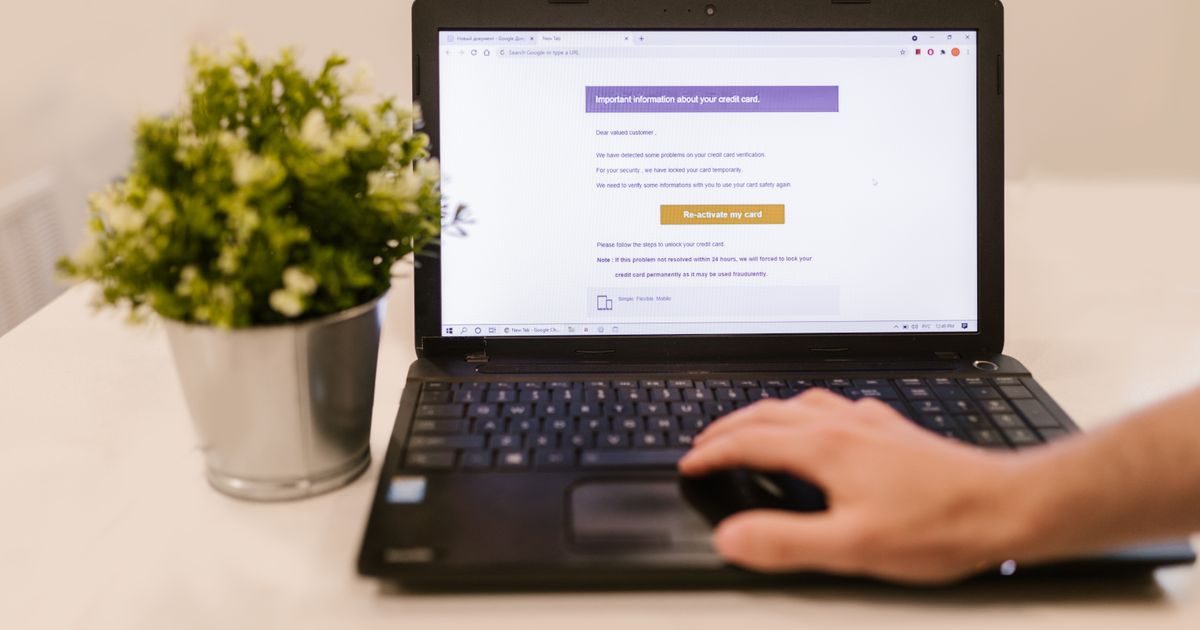
A professional email for your small business is simply an address that uses your own domain — for example, [email protected] — instead of a free Gmail or Hotmail account. Making that switch transforms how clients perceive your business from the very first message.
This guide covers everything you need to know to set it up: what it is, why it matters, how much it costs, and how to choose the right service.
What Is Professional Email and How Is It Different from Free Email?
Free email services (Gmail, Outlook.com, Yahoo) work fine for personal use, but they immediately signal to clients that there may not be a formal business behind them. Professional email, on the other hand, is tied to your domain and projects credibility from the first line of the sender field.
The key differences:
- Your own domain: your address ends in @yourbusiness.com, not @gmail.com.
- Full control: you decide how many accounts to create, which aliases to use, and who has access to what.
- Better deliverability: professional mail servers have an established reputation; your messages land in the inbox, not the spam folder.
- Technical support: if something breaks, you have someone to call — with free Gmail, you don't.
Why Does a Small Business Need Professional Email?
Many business owners put this off because it sounds expensive or complicated. In reality, it costs less than a coffee a week and can be set up in under an hour.
Concrete reasons not to delay:
- First impressions: a client who receives mail from [email protected] assumes informality, even if your work is excellent.
- Trust and conversion: marketing studies show that emails with a custom domain generate more replies on proposals and quotes.
- Security: business email services include spam filters, in-transit encryption, and SPF/DKIM authentication — protections free accounts don't offer by default.
- Scalability: when you hire your first employee, you simply create one more account. No friction.
What You Need to Get Started
There are only three pieces to put together:
1. A Registered Domain
If you already have a website, you probably already have a domain. If not, you can register one for between $7 and $15 USD per year at any registrar. Choose a short, easy-to-spell name that reflects your business.
2. An Email Hosting Provider
This is the service that stores your messages and manages sending and receiving. The most common options for small businesses are:
| Provider | Approx. price per mailbox/month | Storage | Best for |
|---|---|---|---|
| Google Workspace (Business Starter) | ~$6 USD | 30 GB | Teams using Google Docs/Meet |
| Microsoft 365 Business Basic | ~$6 USD | 50 GB | Teams using Word/Excel/Teams |
| cPanel Hosting (bundled with web plans) | From ~$3 USD | Variable | Businesses that already have web hosting |
3. DNS Configuration
Once you sign up, your provider will give you MX (Mail Exchange) records to add in your domain's control panel. This tells the internet which servers should receive mail for your domain. It's usually a copy-and-paste process that takes less than ten minutes.
Best Practices from Day One
Starting right prevents long-term headaches. Follow these rules from the beginning:
- Use functional aliases: create addresses like sales@, support@, hello@ that forward to a real inbox. That way you can change who handles them without exposing internal names.
- Enable SPF, DKIM, and DMARC: these DNS records authenticate your identity as a sender and dramatically reduce the chance your emails land in spam.
- Never use the admin account for daily email: create individual accounts for each person; the admin account is only for managing the system.
- Enable two-factor authentication (2FA): protects access even if a password is compromised.
If you're unsure which plan or configuration best fits your business, the team at El Enlace can guide you at no cost and with no commitment.
Key Takeaways
- Professional email uses your own domain (@yourbusiness.com), projecting immediate credibility.
- It costs less than $6–$8 USD per mailbox per month with most providers.
- You need three things: a domain, an email hosting provider, and DNS configuration (MX records).
- Enable SPF, DKIM, and DMARC from day one to protect your sender reputation.
- Functional aliases (sales@, support@) simplify management and give a polished image.
Taking this step takes less than an hour and transforms how your business is perceived. Visit www.elenlace.com to compare professional email plans and find the one that fits your budget and needs.
Want to keep learning about business email? Browse all our articles in the business email section.
FAQ
Can I use Gmail with my own domain without paying for Google Workspace?
Technically yes, through some forwarding services, but you won't get a full Gmail account with your domain for free officially. To have @yourbusiness.com in Gmail you need Google Workspace. There are cheaper email hosting alternatives that work just as well.
How many email accounts does a small business need?
At minimum, one account per person plus a few functional aliases (sales@, info@, support@). If you're a sole trader, a single account with two or three aliases can be enough to start.
What happens to my emails if I switch providers?
Most professional providers allow you to export and import complete mailboxes via the IMAP protocol. It's a manual process but well-documented — your new provider usually offers step-by-step guides so you don't lose any messages.
Does professional email improve security against spam?
Yes. Business email services include more sophisticated spam filters than free accounts, and let you configure authentication records (SPF, DKIM, DMARC) that protect your domain from being impersonated in phishing attacks.
Compare providers
Other providers and guides worth comparing:

