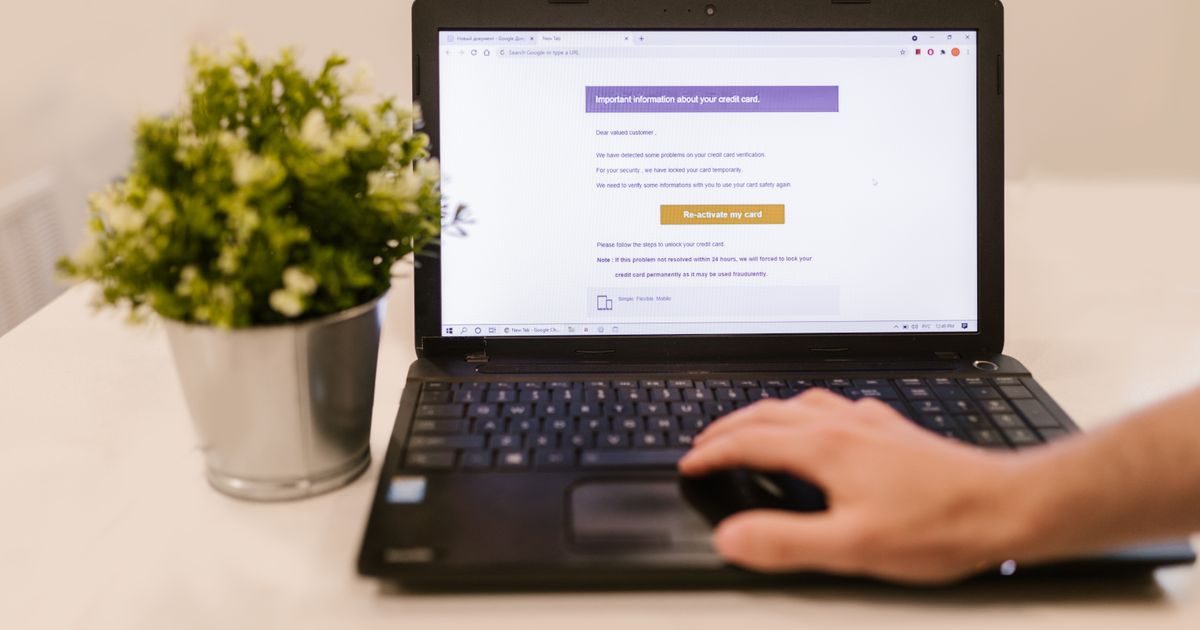
An email address is the unique identifier that tells the internet where to deliver a message. It always follows the same pattern: [email protected] — no exceptions.
This article breaks down exactly what each part means, which characters are allowed, and why that small @ symbol holds everything together.
What Is an Email Address?
An email address is a standardized text string that combines a local mailbox name with the name of the server that hosts it. Email protocols (SMTP, IMAP, POP3) use it to route messages across millions of servers worldwide.
The current standard is defined in RFC 5321 (SMTP protocol) and RFC 5322 (message format). This ensures a valid address works the same in Mexico, Spain, or Japan.
The Three Parts of an Email Address
Let's use [email protected] as an example and break down each piece.
1. The Local Part (Username)
This is everything that appears before the @ symbol. In the example: sales.
It can contain:
- Letters (a–z, A–Z) and numbers (0–9).
- Periods (
.), hyphens (-), and underscores (_). - Plus signs (
+), which allow address tagging like[email protected].
Technically up to 64 characters are allowed, though most providers limit it to 30–40. It cannot start or end with a period, and consecutive periods are not allowed.
In business settings, the most common formats are:
[email protected][email protected][email protected][email protected](shared department accounts)
2. The @ Symbol (At Sign)
The @ is the mandatory separator between the local part and the domain. Ray Tomlinson introduced it in 1971 when he sent the first email between two computers connected to ARPANET.
Its semantic meaning is exactly "at": sales at mycompany.com. Without it, the address simply does not exist — no server would know where to send the message.
3. The Domain
This is everything that appears after the @. In the example: mycompany.com.
The domain is further divided into:
- Domain name (
mycompany) — identifies the organization or brand. - TLD or extension (
.com) — indicates the type or region. Common extensions in Mexico include.com.mx,.mx, and.com.
Domains can have subdomains, though these are rare in email addresses ([email protected]).
Which Characters Are Allowed — and Which Aren't?
| Element | Allowed | Not allowed |
|---|---|---|
| Local part | a-z, 0-9, . - _ + | Spaces, ñ, accents, commas, double @ |
| Domain | a-z, 0-9, hyphen | Leading/trailing hyphen, spaces, special characters |
| TLD | Minimum 2 letters (us, com, mx) | Numbers only, spaces |
Important note: While the RFC 6531 extension technically allows characters like accented letters in the local part (EAI), most mail servers worldwide still don't support it. In business environments, stick to safe ASCII characters only.
Professional Email Address vs. Free Email Address
The most visible difference is the domain:
[email protected]→ custom domain, professional image.[email protected]→ Google's domain, less formal impression.
When a client or supplier receives your email, the domain after the @ is the first thing they notice. A custom domain communicates credibility, permanence, and control over your data. Browse more options in our business email resource section.
If you're still using a free account for your business, we recommend exploring the professional email with a custom domain options available for small and medium-sized businesses.
Is an Email Address Case-Sensitive?
Technically, the local part could be case-sensitive according to the RFC. In practice, all major providers treat it as case-insensitive: [email protected] and [email protected] reach the same inbox.
The domain is never case-sensitive.
Key Takeaways
- An email address always has three parts: username + @ + domain.
- The local part comes before the @ and can include letters, numbers, periods, hyphens, and underscores.
- The @ symbol separates the mailbox from the server that hosts it — it's the core of the system.
- The domain identifies the company or provider; the TLD indicates type or region.
- For businesses, a custom domain in the email address projects more credibility than a free domain.
- Use only ASCII characters in the local part to ensure universal compatibility.
Ready to get an address with your company name? At elenlace.com we help you set up your professional email in minutes, with Spanish-language support included.
FAQ
How many characters can an email address have?
The local part allows up to 64 characters and the domain up to 255. The total length of the address should not exceed 320 characters, though in practice providers often impose shorter limits (between 30 and 100 characters total).
Can an email address contain accented letters or special characters?
RFC 6531 permits it, but real-world compatibility with servers worldwide is limited. For business use, it's safest to avoid them and use unaccented equivalents (for example, garcia instead of garcía).
What happens if I type the wrong domain when sending an email?
The server tries to locate the domain via DNS records. If the domain doesn't exist or has no MX records configured, the message bounces and you receive a delivery error (bounce notification), usually within minutes.
Can an email address have more than one @ symbol?
No. The @ symbol can only appear once in a valid address. Any string with two or more @ signs is not a legitimate email address and will be rejected by mail servers.
Useful resources
Other providers and guides worth comparing:

