A VPS server works by dividing one physical machine into multiple independent virtual servers, each with its own guaranteed CPU, RAM, and storage. Even though they share the same hardware, each VPS runs in full isolation — as if it were a dedicated machine.
If you've ever wondered what actually happens "behind the curtain" when you spin up a VPS, this guide walks you through it clearly and visually.
The Physical Server: Where It All Starts
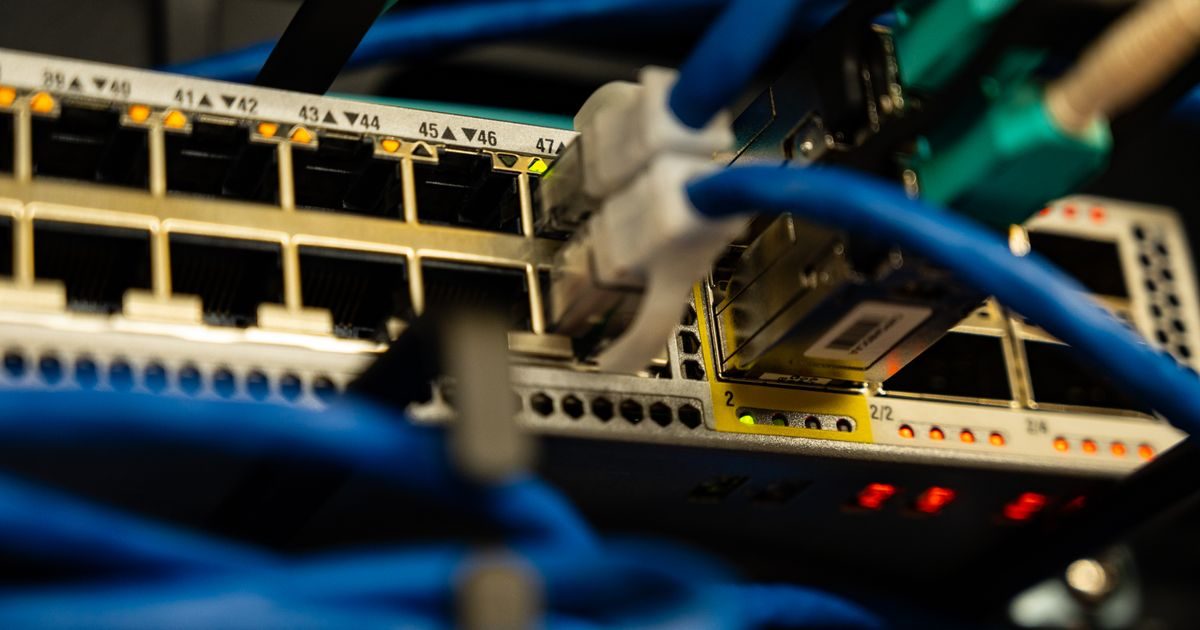
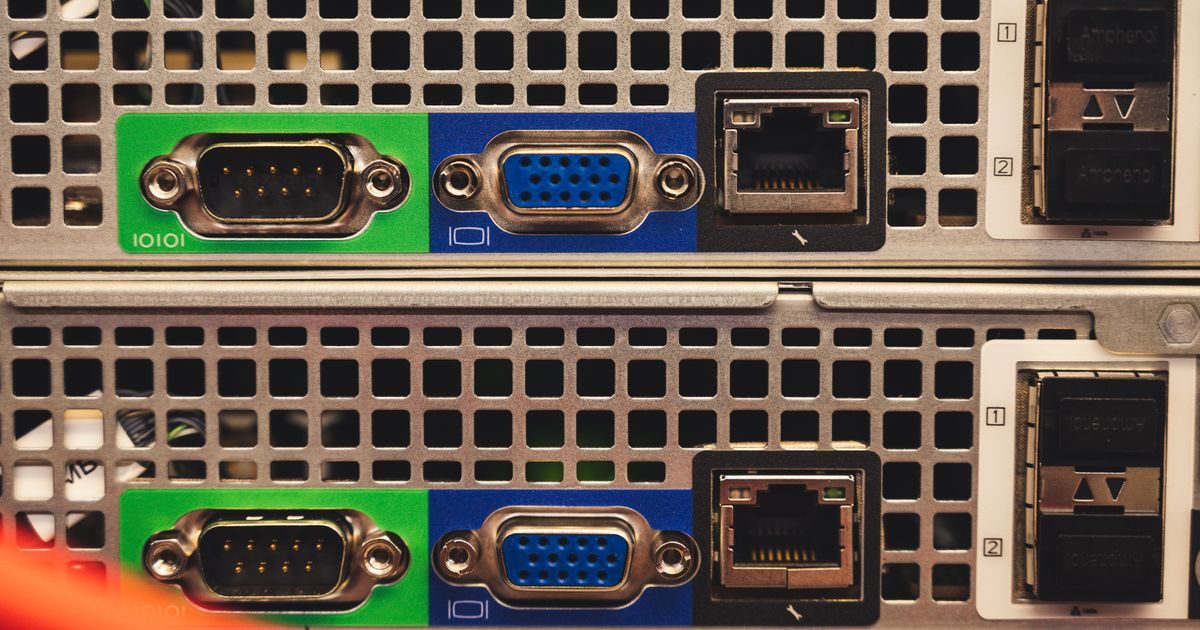
Everything begins with a powerful physical machine — a rack server packed with multiple processors, tens of gigabytes of RAM, and fast NVMe drives — housed inside a professional data center.
That physical box has enough capacity to serve dozens of customers at once. Instead of renting it whole to one client (which would be a dedicated server), the provider carves it into smaller slices using virtualization software.
The Hypervisor: The Traffic Director
The key piece of the puzzle is the hypervisor: a software layer installed directly on the hardware that manages how resources are split among each VPS.
The most common hypervisors in the industry are:
- KVM (Kernel-based Virtual Machine) — today's standard; built into the Linux kernel.
- VMware ESXi — enterprise-grade, widely adopted in corporate data centers.
- XEN — popular with large providers like Amazon AWS in its early days.
The hypervisor acts as an arbiter: it assigns CPU cores, RAM blocks, and disk space to each VPS, and ensures no instance can "steal" resources from another.
Your VPS: A Fully Isolated Virtual Machine
Once the hypervisor is in place, each VPS behaves like a completely independent server:
- It runs its own operating system (Linux, Windows, etc.).
- It gets a dedicated IP address.
- It can be rebooted without affecting any other VPS on the same physical host.
- It gives you full root access: install, configure, and remove whatever you need.
This isolation is what sets a VPS apart from shared hosting, where all sites share the same processes and OS with no real boundary between them.
How Are Your Resources Guaranteed?
The hypervisor reserves resources at the moment each VPS is created. If your plan includes 2 vCPUs and 4 GB of RAM, those resources are allocated to your virtual machine — no other VPS on the host can use them while they're assigned to you.
| Hosting type | Resources | Isolation | Root access |
|---|---|---|---|
| Shared hosting | Shared & variable | None | No |
| VPS | Guaranteed | Full (VM) | Yes |
| Dedicated server | 100% exclusive | Physical | Yes |
The Path of an HTTP Request Through Your VPS
Here's exactly how web traffic flows through your VPS from click to response:
- A visitor types your domain into their browser.
- DNS resolves the domain to your VPS's IP address.
- The request reaches the physical server; the hypervisor routes it to the correct VPS.
- Your OS (e.g., Ubuntu) receives the request on port 80 or 443.
- Your web server (Nginx, Apache) processes the request and returns the page.
- The response travels back to the visitor's browser.
The entire journey takes milliseconds. The hypervisor is virtually invisible to normal traffic.
If you're comparing infrastructure options, our VPS servers guide covers all the main alternatives side by side. And if you'd like expert help choosing and configuring the right setup, the team at elenlace.com is ready to help.
Key Takeaways
- A VPS is a virtual machine created by a hypervisor on top of a physical server.
- KVM is today's industry standard: strong isolation and predictable performance.
- Your resources (CPU, RAM, disk) are guaranteed, not pooled like shared hosting.
- You get full root access and control over your entire software stack.
- Isolation means your neighbors' problems stay their problems, not yours.
Now that you understand how a VPS works under the hood, the next step is putting one to work for your project. Head over to elenlace.com and explore managed VPS plans tailored to your needs.
FAQ
Does a VPS share hardware with other users?
Yes, the underlying physical hardware is shared between multiple VPS instances. But the hypervisor guarantees each virtual machine its own allocated resources. Your neighbors cannot consume your CPU or RAM.
What's the difference between KVM and OpenVZ virtualization?
KVM is a Type-1 hypervisor that fully virtualizes the hardware — each VPS runs its own kernel. OpenVZ uses container-level virtualization, which is lighter but provides less isolation. KVM is the preferred choice for production environments today.
Can I install any operating system on my VPS?
With KVM, yes: Linux (Ubuntu, CentOS, Debian, AlmaLinux), Windows Server, and other supported systems — depending on the images your provider offers. With OpenVZ you're limited to the host's Linux kernel.
Can other VPS instances affect my performance?
With a properly configured hypervisor, you shouldn't notice any impact. However, heavy I/O or network saturation at the physical level can cause some "noisy neighbor" effect. Quality providers mitigate this with per-VPS I/O limits and high-capacity network infrastructure.
Further reading
Other providers and guides worth comparing: